Prompt library

Prompts that work

Ready-made prompts for ads, logos, posters, 3D and more. Use one in a tap — or share your own.

+ Add a prompt
Brand Futuristic object
3DPhoto

Brand Futuristic object

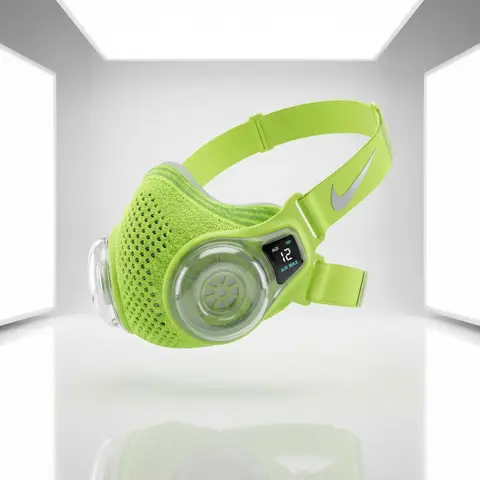
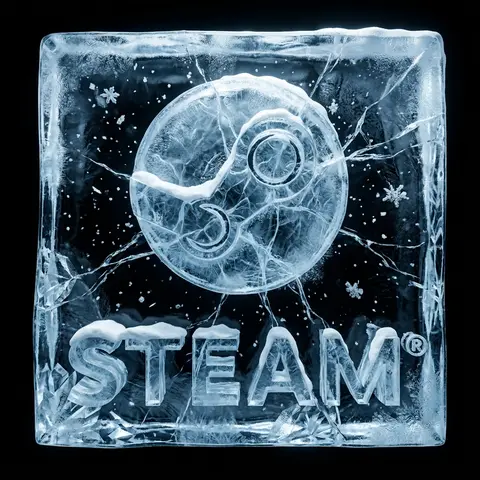
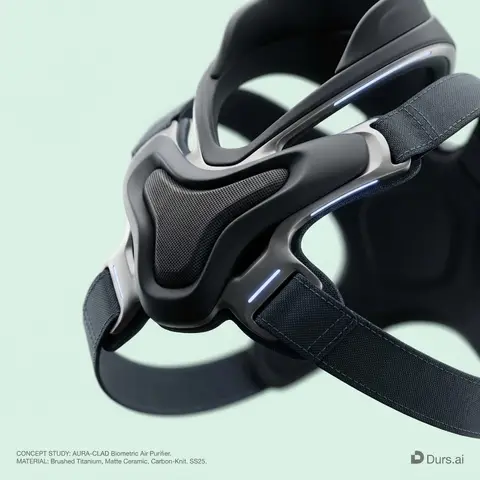
BRAND NAME or LOGO IMAGE: A high-end, glossy concept art magazine editorial photograph of a unique, unexpected functional object conceptualized and designed by the brand. 1. The Concept & Object (AI Invention): Based on the design philosophy, heritage, and material vocabulary of the specified brand, the AI must invent a novel utility product (NOT standard clothing, shoes, or bags). Examples could be home goods, tech accessories, tools, or sporting equipment, reinterpretated through the brands lens. The object should feel sculptural yet functional. 2. Materials & Details (Hyper-Premium): The object is constructed from ultra-premium, highly tactile materials characteristic of the brand (e.g., patinated exotic leathers, brushed aerospace-grade titanium, sculpted matte ceramics, molded carbon fiber, or technical high-fashion textiles). Every detail is hyper-realistic: visible stitching, microscopic material grain, precision engravings, and complex texture contrasts. 3. Photography & Lighting (Cinematic Studio): Shot on a medium format Phase One camera with a 100mm macro lens. Extremely shallow depth of field, with sharp focus on the hero details of the object and a creamy, smooth bokeh background. The lighting is sophisticated studio softbox lighting: gentle, enveloping fill light with precise rim lighting to accentuate contours and material textures. 4. Environment: A seamless, impeccably clean studio cyclorama background in a pure, ultra-light pastel tone (e.g., desaturated mint, pale blush, or off-white), free of shadows. 5. Layout & UI Elements (Strict Placement): - Bottom Right Corner: A small, understated, monochrome gray logo of the brand. - Bottom Left Corner: Small, minimalist monochrome gray text describing the invented product. The font style looks like Manrope Regular with very tight tracking (kerning) and balanced line spacing. Example format: CONCEPT STUDY: AI inserts invented product name. MATERIAL: AI inserts main materials. SS25.

durs.ai
Brand everyday object style
ProductPhoto

Brand everyday object style

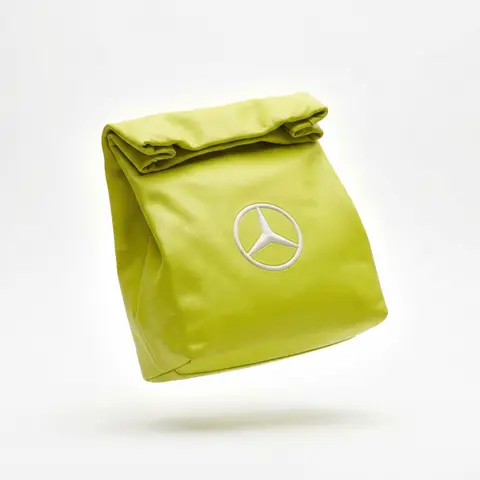
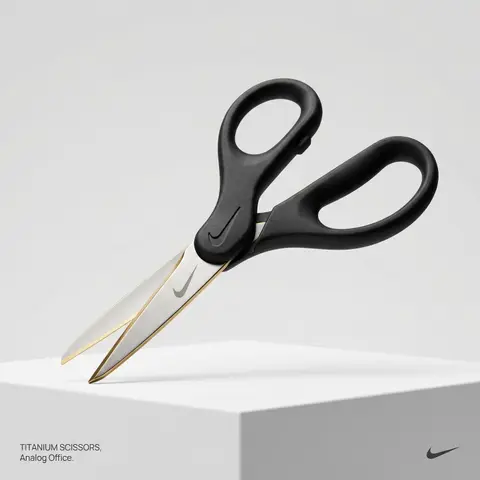
BRAND NAME or LOGO IMAGE. Act as a creative director curating a wide-ranging, eclectic collection of recontextualized everyday objects. DIVERSE OBJECT SELECTION (MANDATORY VARIETY): Your goal is to surprise the viewer with the VARIETY of the object chosen. Randomly select ONE object from these distinct categories to ensure diversity: Analog Office & Desk: Sport & Leisure: Barware & Kitchen: Utility & Tools: Grooming: Travel: THE CONCEPT: Take the chosen mundane object and elevate it into a luxury artifact using BRAND NAME s signature materials and colors. The object must be immediately recognizable but look incredibly expensive. MATERIALS & FINISH: Use materials that contrast with the objects usual cheap nature. Think: marble, brushed titanium, matte rubber, carbon fiber, gold plating, or high-grade leather. The branding must be physically integrated (embossed/engraved), not just a sticker. PRESENTATION (NO BOXES): The object should stand alone on the pedestal or table, fully exposed. If it has parts (like a ping pong set), arrange them neatly (knolling). Avoid closed boxes that hide the shape. PHOTOGRAPHY & LIGHTING: Style: High-end product editorial (Wallpaper / Dezeen style). Lighting: Soft, studio high-key lighting. No harsh shadows. Background: Clean, seamless light grey or white cyclorama. GRAPHIC OVERLAYS (UI): Bottom Left: A small, minimalist 2-line text block describing the object. Font: Manrope Regular. Color: #414141. Bottom Right: A small, discreet, monochrome logomark of BRAND NAME . Color: #414141. Do NOT visualize “Font name” and “Color code”.

durs.ai
Y2K Monochrome Concept Sketch
2DPhoto

Y2K Monochrome Concept Sketch

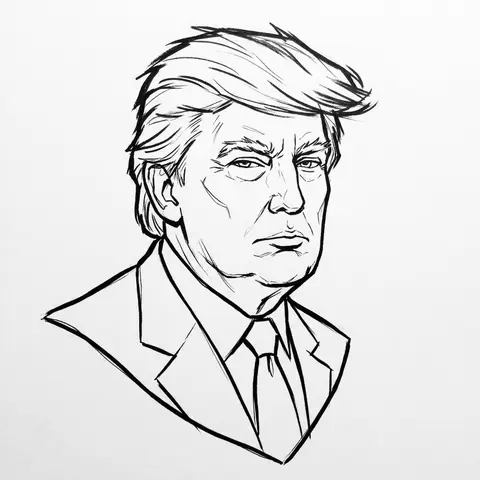
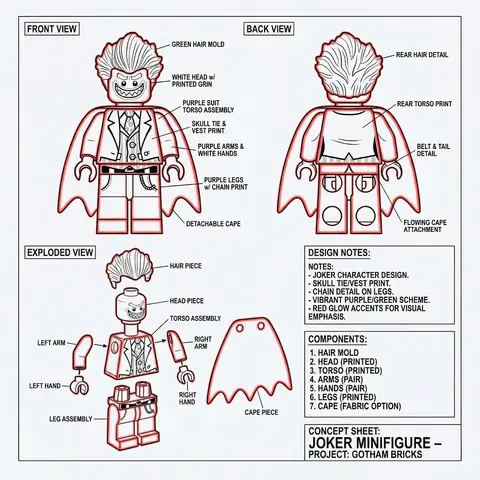
PERSON / CHARACTER NAME or IMAGE. Act as a Lead Concept Artist for a cult classic early 2000s animated series (similar to early Gorillaz or Jet Set Radio). COMPOSITION (FLOATING HEAD DRAFT): Generate a Monochrome Line-Art Concept Sketch of the head/bust of CHARACTER / PERSON . Framing: The head floats strictly in the dead center of the canvas. Orientation: Fixed Three-Quarter View (3/4) for dynamic volume. Negative Space: Generous empty white space around the sketch. VISUAL STYLE (ADVANCED VECTOR SKETCH): The image must look like a Production-Ready Concept Drawing — raw, confident, but polished. NO FILLS (Critical): This is strict LINE ART. Do not use any colors, gradients, or grey fills. The inside of the face, hair, and clothes must be white (transparent), defined only by the outlines. Line Quality (The Inkers Hand): Use Solid Black Ink on pure white paper. Variable Line Weight: Use a THICK, bold contour line for the outer silhouette to pop the character from the background. Use THIN, razor-sharp lines for internal details (eyes, nose, hair texture). Flow: The lines should feel fast and expressive (like a brush pen or sophisticated vector stroke), not shaky or messy. It is an Advanced Draft — distinct and professional. CHARACTERIZATION (THE Y2K VIBE): Stylize the character with slightly angular, edgy features typical of early 2000s street art. Expression: Cool, detached, slightly rebellious, or in the zone. BACKGROUND: Pure White (#FFFFFF). A clean sheet of paper.

durs.ai
Premium Industrial Design Object Concept
AdvertisementPhoto

Premium Industrial Design Object Concept

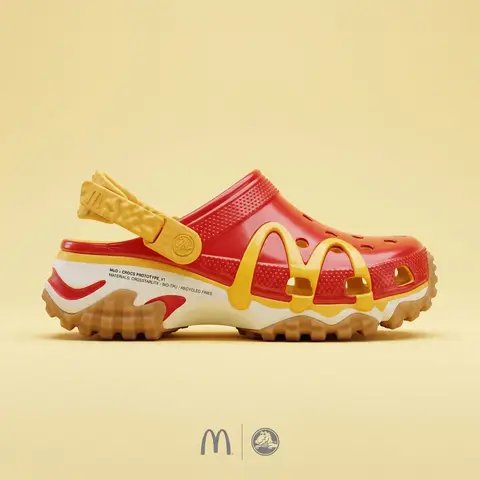
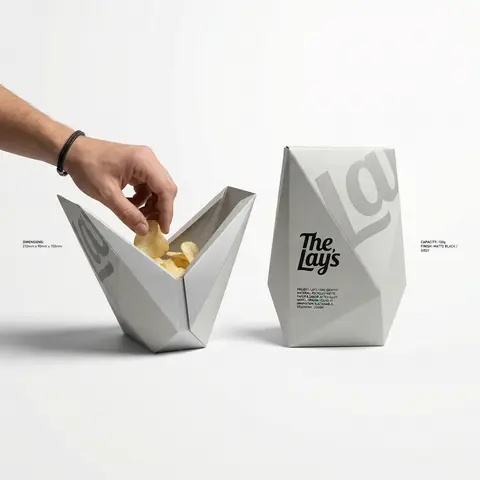
BRAND NAME: The core identity. CATEGORY: Clothing / Food / Automotive / Lifestyle. Goal: Generate a premium industrial design concept on a PURE WHITE background. 1. INNOVATION & OBJECT - Select one mundane functional object from CATEGORY. - Redesign it using unconventional, architectural, or origami-inspired geometry. - The object must look like a high-end designer invention, not a standard product. 2. UNIFIED COMPOSITION - Environment: A seamless, pure white studio background with a flat white floor. - Interaction: A human hand (natural texture) is shown using the object in the foreground, demonstrating its unique ergonomics. - Static Display: Right next to the hand, the same object is placed in a static, perfect pose to show its full silhouette and branding. - Shadows: Soft, realistic grey drop shadows on the white floor to provide depth and ground the objects. 3. BRANDING & TEXT - Identity: Apply the BRAND NAME logo in a high-contrast dark color (Black or Navy) directly onto the objects surface. - Technical Detail: Add small, elegant blocks of justified specification text in the white negative space around the objects for an editorial look. - Pattern: Use a subtle, oversized abstract fragment of the brands logo as a texture on the objects material. 4. MATERIALS & FINISH - High-quality matte materials only: heavy-duty recycled paper, sandblasted metal, or soft-touch polymer. - Sharp architectural lines and clean, premium craftsmanship.

durs.ai
Professional Character Design Turnaround Sheet
3DPhoto

Professional Character Design Turnaround Sheet

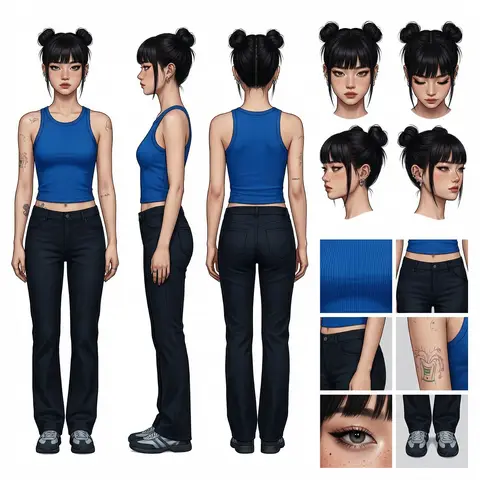
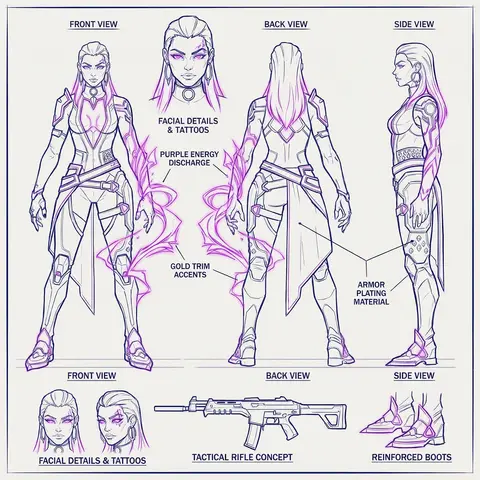
A high-definition, clean, minimalist character design board / character turnaround reference sheet, set against a pure white background. The overall presentation should resemble a professional game art character modeling sheet, fashion design reference page, character design sheet, or character turnaround board. The layout should be neat and well-organized, with clearly divided information sections, a realistic and premium visual quality, consistent lighting, and strict character consistency throughout. On the left side of the composition, show the character’s full-body three-view turnaround, occupying the main visual area, including: 1. Front full-body standing pose 2. Left-side full-body standing pose 3. Back full-body standing pose All three figures must be the exact same character, with identical facial features, hairstyle, clothing, body shape, and height proportions. The standing pose should feel natural, with both arms hanging naturally at the sides. This should be suitable as a character modeling reference. The camera angle should be eye level, with neutral studio lighting, no obstruction, no exaggerated perspective, and no complex background. The right side of the composition should be divided into two sections: In the upper-right section, place six headshot / head-angle reference images of the same character, arranged neatly to show different head perspectives, including: - Front-facing portrait - Slight downward angle showing the top of the head - Back of the head / rear head view - Left-side facial profile - A near-side-angle comparison view (this line was slightly unclear in the source and may not be exact) - 3/4 profile portrait The head references should have clear facial features, visible hair parting, and consistent facial structure, making them suitable as head design references. In the lower-right section, place six close-up detail images of the character, arranged into a clean grid, showing key design details, including: - Close-up of the upper garment fabric texture - Front close-up of the lower-body clothing - Close-up of the hip / tailoring detail - Close-up of the leg or skin texture detail - Close-up of the eyes or facial feature details - Full close-up of the shoes as a standalone item All detail images must match the main character’s outfit and appearance exactly. Materials should look realistic, and the details should be clean and precise, suitable as clothing and accessory modeling references. Overall style requirements: Minimalist, professional, realistic, unified, clean, and premium, similar to a character design board, fashion design reference sheet, 3D character modeling reference page, or character turnaround presentation board. The character edges should be sharp, garment shapes should be clearly defined, hair strands should appear natural, skin should look refined, and material rendering should be accurate. The overall layout should have generous white space, as if it were made by a professional concept art team. Character setup: Character appearance description Output requirements: Landscape composition, white background, full character visible, no cropping, no extra props, no explanatory text, no logo, no watermark, no UI interface elements, no like/save buttons, and no social-media-screenshot appearance.
durs.ai