durs.ai
Prompt library

Prompts that work

Ready-made prompts for ads, logos, posters, 3D and more. Use one in a tap — or share your own.

+ Add a prompt
Brand everyday object style
ProductPhoto

Brand everyday object style

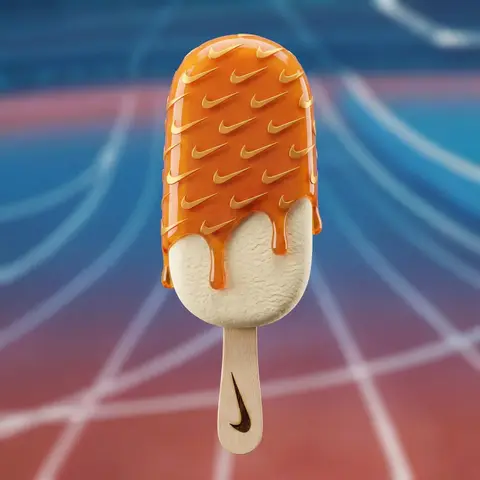
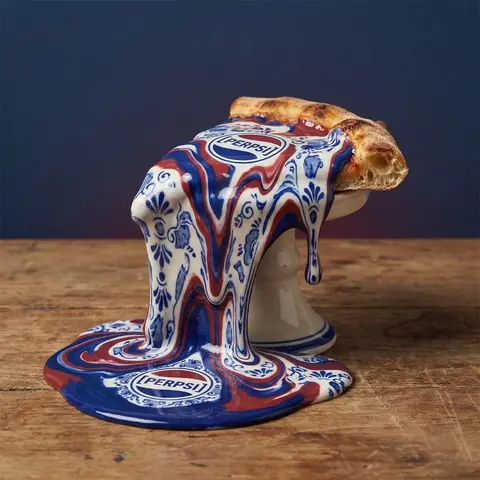
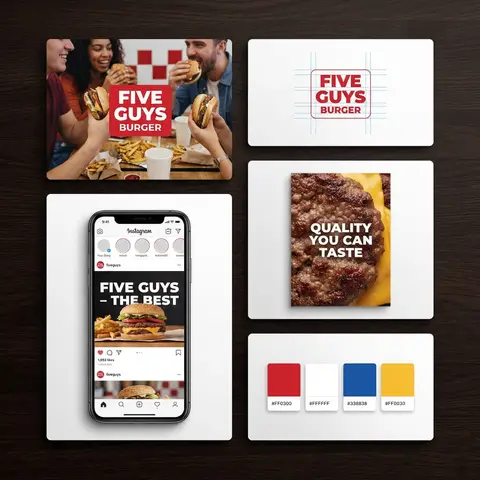
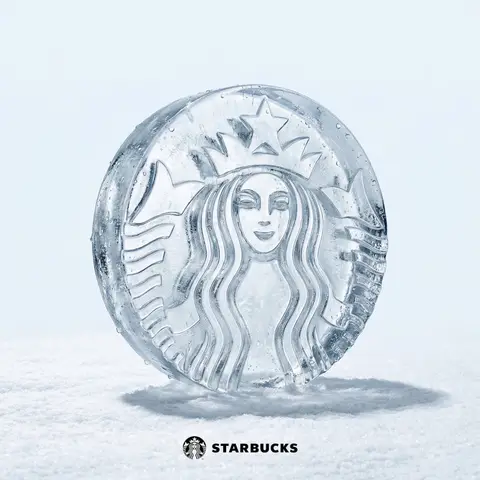
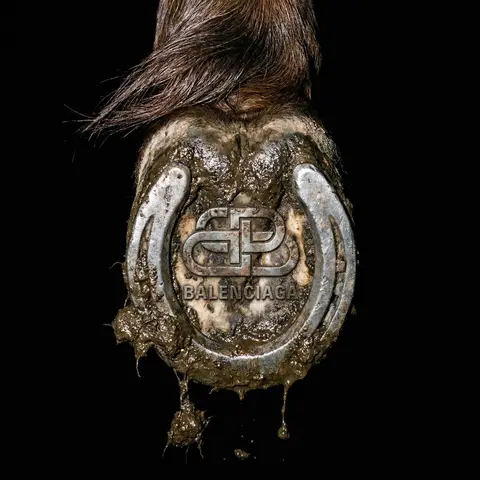
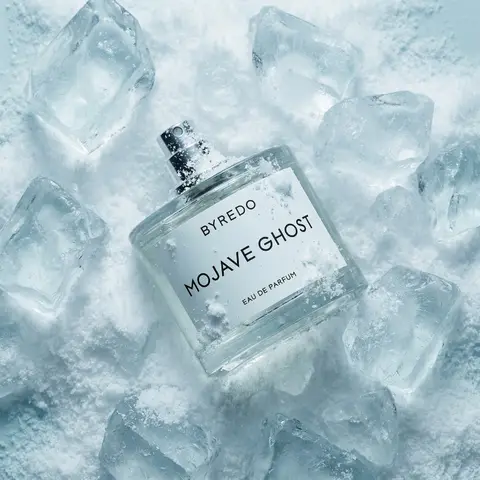
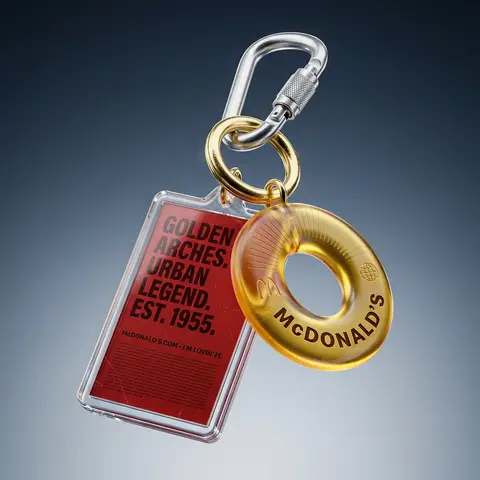
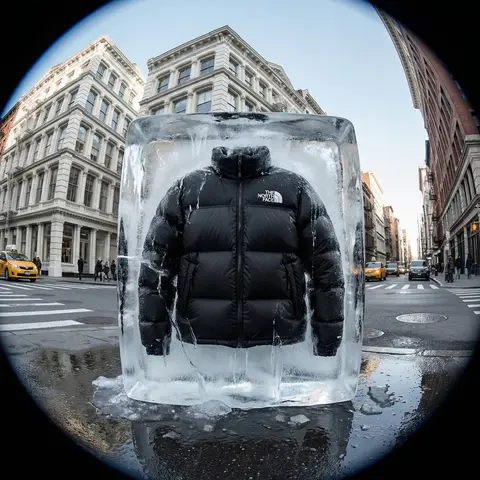
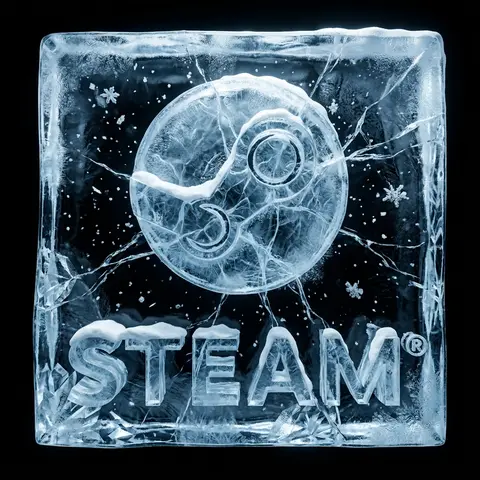
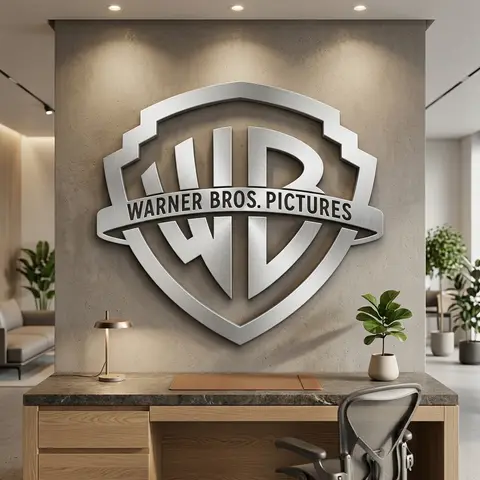
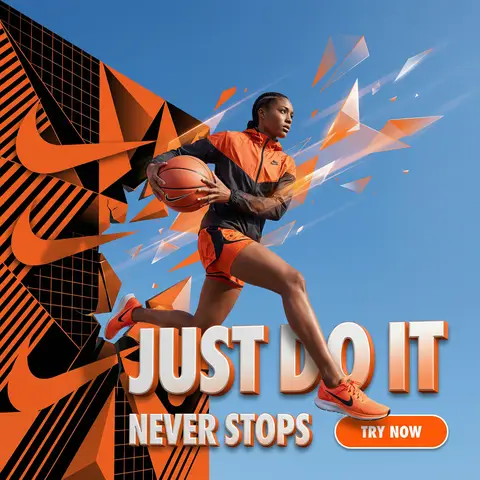
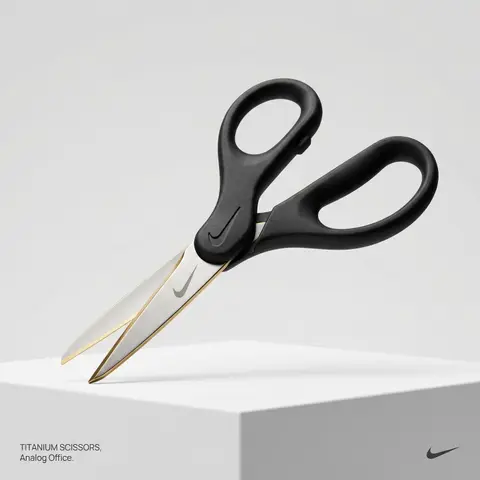
BRAND NAME or LOGO IMAGE. Act as a creative director curating a wide-ranging, eclectic collection of recontextualized everyday objects. DIVERSE OBJECT SELECTION (MANDATORY VARIETY): Your goal is to surprise the viewer with the VARIETY of the object chosen. Randomly select ONE object from these distinct categories to ensure diversity: Analog Office & Desk: Sport & Leisure: Barware & Kitchen: Utility & Tools: Grooming: Travel: THE CONCEPT: Take the chosen mundane object and elevate it into a luxury artifact using BRAND NAME s signature materials and colors. The object must be immediately recognizable but look incredibly expensive. MATERIALS & FINISH: Use materials that contrast with the objects usual cheap nature. Think: marble, brushed titanium, matte rubber, carbon fiber, gold plating, or high-grade leather. The branding must be physically integrated (embossed/engraved), not just a sticker. PRESENTATION (NO BOXES): The object should stand alone on the pedestal or table, fully exposed. If it has parts (like a ping pong set), arrange them neatly (knolling). Avoid closed boxes that hide the shape. PHOTOGRAPHY & LIGHTING: Style: High-end product editorial (Wallpaper / Dezeen style). Lighting: Soft, studio high-key lighting. No harsh shadows. Background: Clean, seamless light grey or white cyclorama. GRAPHIC OVERLAYS (UI): Bottom Left: A small, minimalist 2-line text block describing the object. Font: Manrope Regular. Color: #414141. Bottom Right: A small, discreet, monochrome logomark of BRAND NAME . Color: #414141. Do NOT visualize “Font name” and “Color code”.

durs.ai
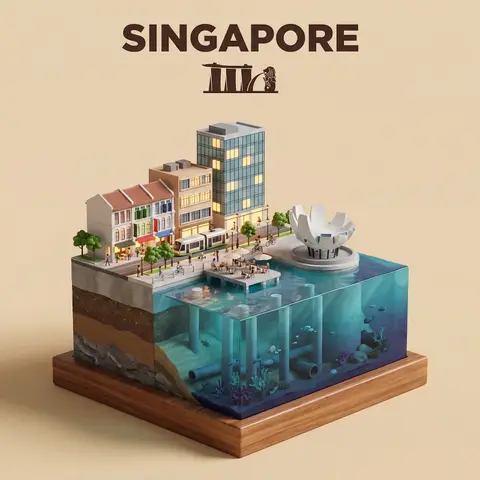
Waterfront City Cross-Section Diorama
3DPhoto

Waterfront City Cross-Section Diorama

Present a clear, side-facing isometric miniature 3D cartoon diorama of CITY along the WATERFRONT. The scene is a clean vertical cross-section slice — the city is cut open like a museum specimen, mounted on a small raised diorama-style base that exposes the full stratigraphy from rooftop to riverbed. Above the waterline: a curated selection of CITYs most iconic waterfront elements — layered building facades in local architectural style, embankment promenade, bridges, trams or cyclists, warm soft ambient lighting. Tiny stylized figures of residents in casual attire — walking, cycling, sitting at waterfront cafés (no facial details). The water surface is a clean glassy horizontal band — cartoon-stylized, slightly transparent, acting as the visual threshold between the two worlds. Below the waterline: the geographically honest submerged anatomy of CITYs WATERFRONT — accurate foundation and piling types, real underwater infrastructure, sediment and substrate layers appropriate to this specific body of water, local aquatic life rendered in the same soft cartoon style. Tiny stylized fish, slow-drifting particulate, refracted light shafts filtering down from the surface. The cross-section cut edge is razor-clean — pavement strata, foundations, soil layers, and underwater geology all simultaneously visible in the base wall, like a natural history diorama exhibit. Style: soft refined textures, realistic PBR materials, immersive ambient lighting. Color language: warm amber and golden tones above the waterline, cold teal-green and deep indigo below, blending at the water threshold. Ultra-clean, high-clarity 3D cartoon diorama aesthetic. Use a clean solid BACKGROUND COLOR background. At the top-center, display CITY in large bold text, and place the waterfront name or a city landmark silhouette emblem below the text. All text must automatically match background contrast.

durs.ai
Holographic Character Projector Product Shot
ProductPhoto

Holographic Character Projector Product Shot

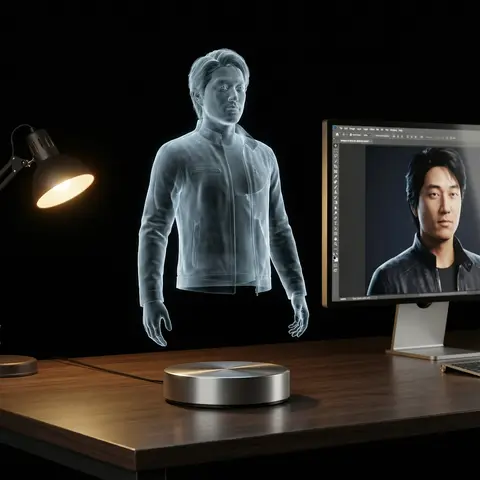
Ultra-realistic product photo. Subject: virtual holographic character CHARACTER, floating above a circular hologram projector Ø120 mm placed on a modern desk. Projection source rules: - If input reference is a 3D object → show a desktop 3D scanner beside the projector. Place the reference object on the scanner plate. The hologram above the projector is generated from this scanned object. - If input reference is a 2D image → show a modern PC with monitor on the desk. Display the reference image on the monitor screen. The hologram above the projector is generated from this screen content. Hologram rendering rules: - Character always appears as a semi-transparent volumetric image, background faintly visible through. - No beams, no particles, no solid statue surfaces. - Balanced anatomy (1/7–1/8 head-to-body ratio), correct proportions. - Natural pose with clear silhouette. - Hair, outfit folds, and accessories visible but translucent. - Face crisp and expressive, readable at 1000 px crop. - No copyrighted characters, no branded designs, no IP logos. Environment: modern desk with projector base + conditional device (scanner or monitor). Camera: 85–100 mm lens, 3/4 hero angle, eye-level, f/11–f/16, ISO100, tripod. Lighting: desk softly illuminated; holographic figure defined only by volumetric light. Background: seamless black studio with subtle reflections. Output: 4:5, 2048×2560. Negative: text-free, watermark-free, logo-free, brand-free, copyrighted characters, franchise IP, trademarked designs, resin, PVC, physical statue, opaque surfaces, toy gloss, beams, scanlines, dots, distortion, extra digits. Sampling: deterministic, seed=12345, temperature=0.
durs.ai